Zoom Rooms, Microsoft Teams Rooms, Skype for Business, Google Hangouts, GoToMeeting, VLC, OBS Studio, XSplit, etc.
Others
Auto detection of input signal format
Windows, Linux and Mac SDK
Continuously work for 24hx7
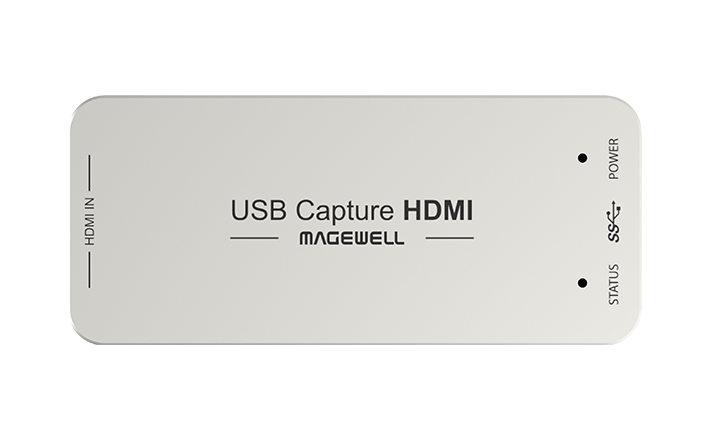
LED status indicator
2-year warranty
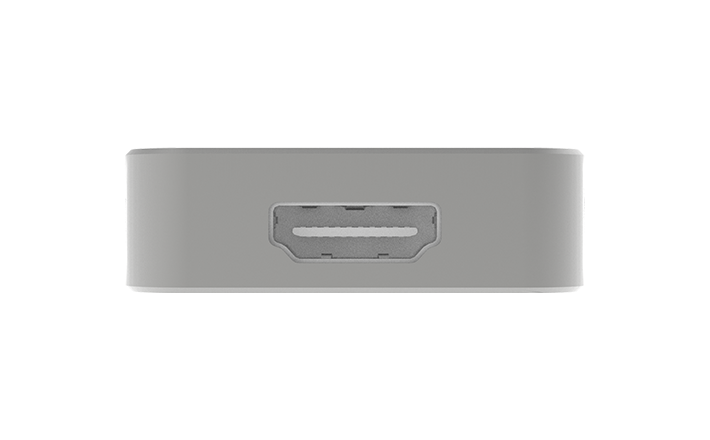
Form factor: 92.2mm (L) x 40.2mm (W) x 12.3mm (H)
Details
Input Features
165M HDMI receiver, max input 2048x1080 60fps 4:4:4
Custom EDID
Input RGB/YUV 4:4:4 8/10/12-bit, YUY 4:2:2 12-bit
Up to 8-channel 24-bit HDMI-embedded audio at 192kHz
HDMI interfaces: HDMI 1.4a
Process and Capture Features
Video processing pipeline up to 160M pixels/s
Capture videos up to 2048x2160, frame rates up to 120fps. Outputs include (actual capture
frame rate can be limited by the USB bandwidth and internal working frequency):
Support video cropping, up/down scaling, de-interlacing, aspect ratio conversion, color
format conversion, frame rate conversion, flip and mirror
Up to 2-channel IEC60958 audio streams
Included Software
USB Capture Utility enables users to easily check and set the capture-related parameters, upgrade
firmware of the capture device and export info needed for troubleshooting
SDK & APIs
The MWCapture SDK provides functions including signal status extraction, capture
configuration and real-time audio & video capture, etc.
Windows DirectShow/Wave API/DirectSound/WASAPI
Linux V4L2/ALSA
macOS AVCaptureSession/AudioUnit
Output Interface
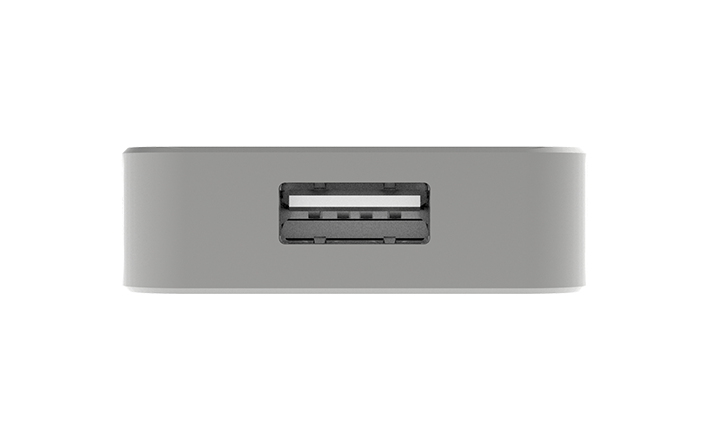
USB 3.0
compatible with USB 2.0
compatible with USB 3.1 Gen 1
Compatible Software
Zoom Rooms
Microsoft Teams
Skype for Business
Google Hangouts
GoToMeeting
Gstreamer
VLC
OBS Studio
XSplit
QuickTime Player
Any other DirectShow/V4L2/AVCaptureSession based encoding or streaming software
Recommended OS
Windows 7/8/8.1/10/11/Server 2008/Server 2008 R2/Server 2012/Server 2016 (x86 & x64) and
above
Linux x86, x64 & ARM architecture, with 2.6.35 and above
Mac OS X 10.9/macOS 10.12 and above
Chrome OS
LED Indicator
Status LEDs indicate the working state of each channel:
Pulsing slowly: input signal unlocked
On: input signal locked
Double blinks: memory failed or FPGA configuration failed